
 IT
IT  EN
EN 
Interactive before/after image comparison module for Joomla. Perfect for showcasing transformations, renovations, photo editing, and historical changes.
Overview
The Image Comparison Slider module allows users to visually compare two images by dragging a slider between them. Built with modern web standards and accessibility in mind, it delivers a smooth, responsive experience across all devices.
Interactive slider
Smooth, intuitive drag interface with touch support for mobile and tablet devices.
Accessible
Complete keyboard navigation (arrows, Home, End) aiming for WCAG 2.1 AAA compliance.
High performance
CSS3-powered transitions and native lazy loading for optimal page speed.
At a glance
- Compare "Before" and "After" images interactively.
- Customizable overlay text labels for both images.
- Fully responsive, adapts perfectly to any screen size.
- Horizontal and vertical slider orientation support.
- Clean, modern code compatible with Joomla 4, 5 and 6.
Use cases & examples
Versatile comparison slider perfect for different visual transformations.
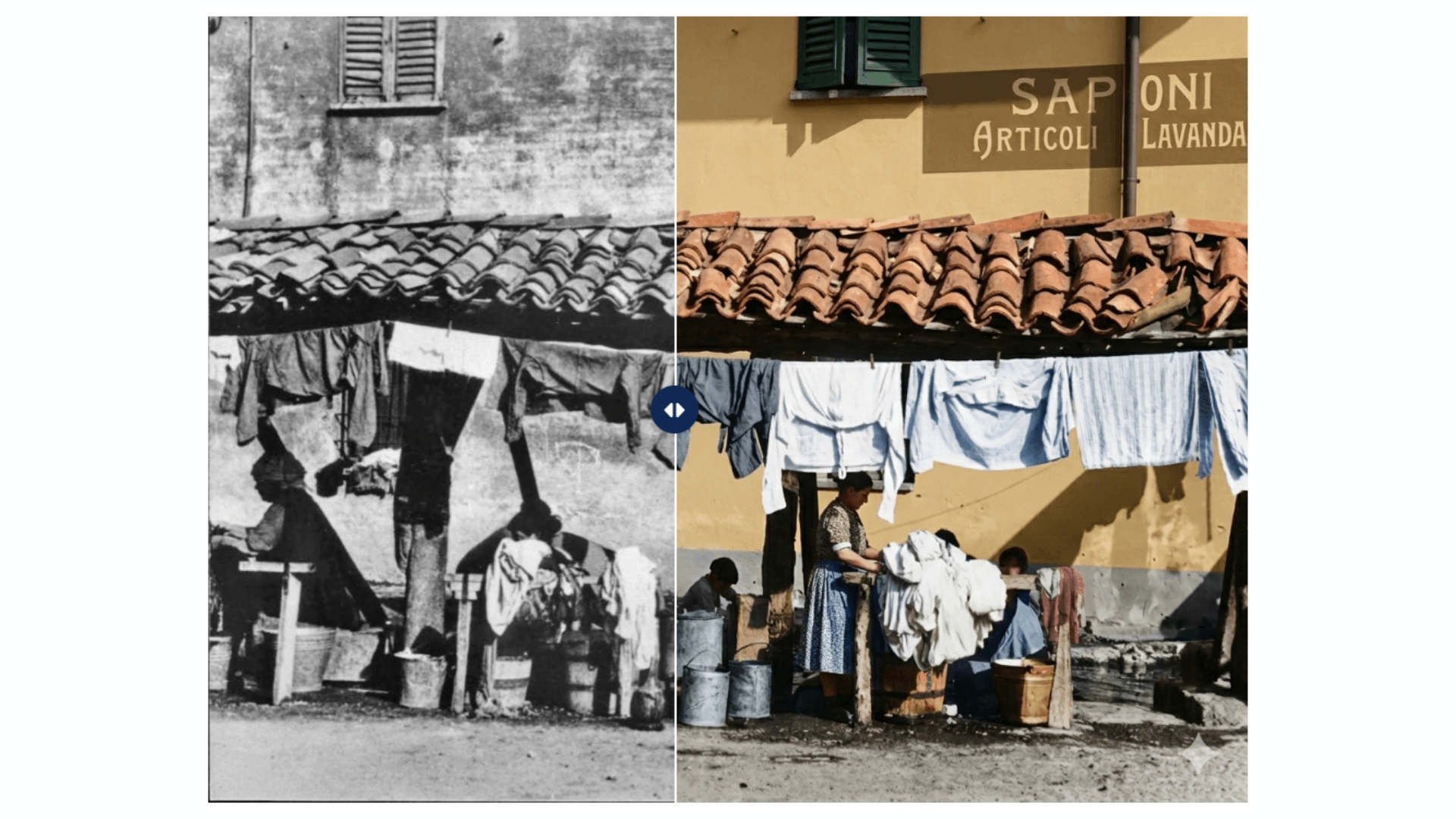
Photo & graphic editing
Showcase color correction, retouching, filters, or rendering quality improvements.
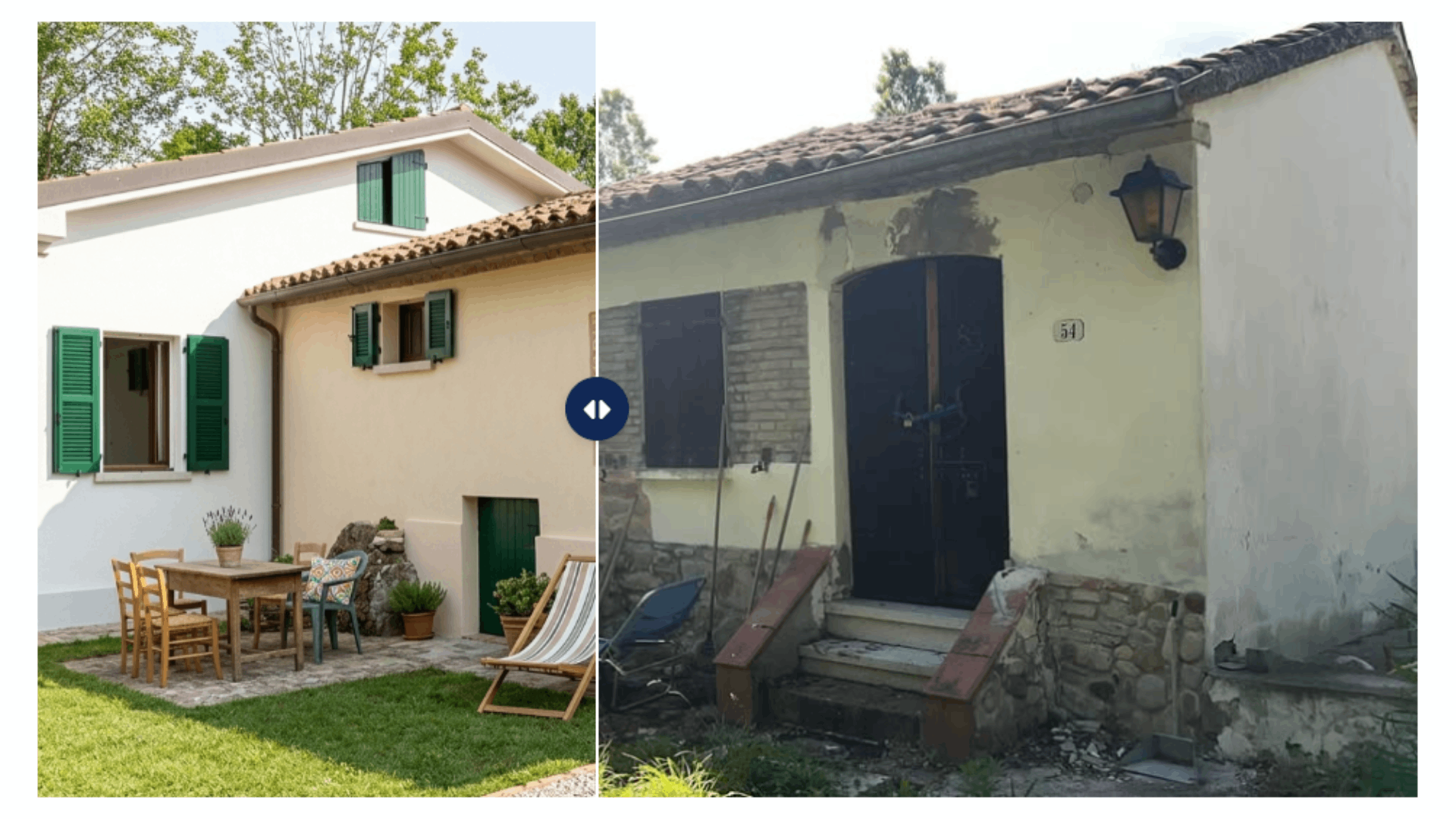
Construction & renovation
Perfect for real estate, interior design, and builders to show before/after works.
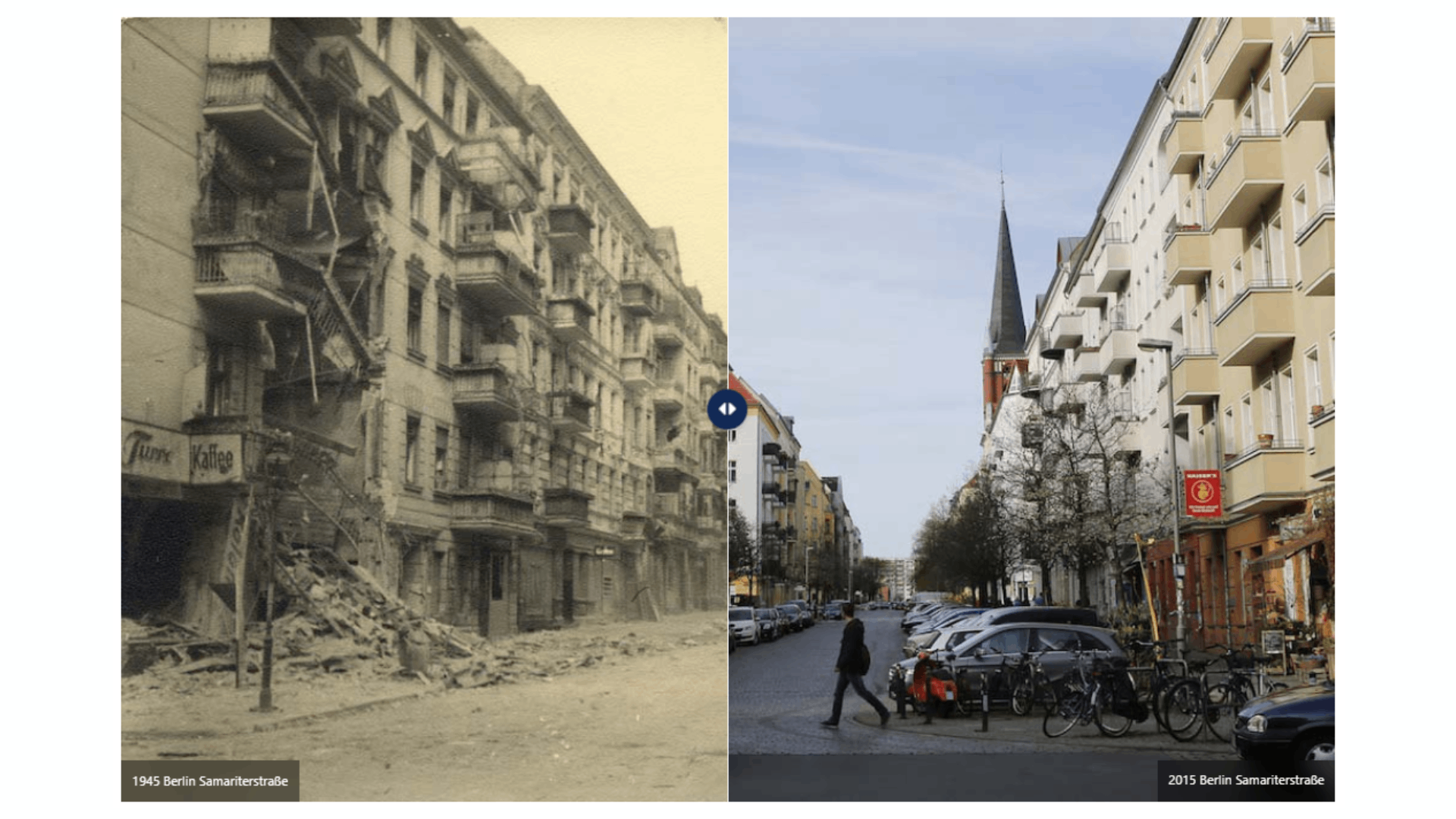
Historical & geographic
Highlight changes over time, "then and now" photos, or seasonal transformations.
Key features
- Customizable labels: Add "Before" and "After" captions to easily highlight states.
- Starting position: Set the initial slider position (e.g., 50% or 30%).
- Hover or Drag: Configure the interaction method to move the slider on click/drag or hover.
- Vertical mode: Compare images by swiping up and down instead of left and right.
- Keyboard accessible: Full support for Tab navigation and Arrow keys to move the handle.
- Joomla integration: Simple module parameters, easy to place anywhere via `{loadposition}`.
Perfect for
Agencies & Studios
Showcase graphic design, branding updates and website redesigns.
Beauty & Wellness
Display makeup, hair styling, fitness progress or cosmetic treatments.
Automotive
Car detailing, restorations, wrapping and tuning showcases.
Dentists & Clinics
Medical treatments, orthodontics and cosmetic surgery results.
Installation
Download
Download the latest module package (.zip) from GitHub Releases.
Install
In Joomla admin go to System → Extensions and upload the package.
Publish
Create a new "Image Comparison Slider" module, select your 2 images, and assign to a position.
Requirements
- Joomla 4, 5 or 6.
- PHP version matching your Joomla installation.
- Two images of the same dimensions for best results.
Ensure your images have the exact same width and height to prevent visual jumping when the slider resizes on mobile devices.