
 IT
IT  EN
EN Profiles is a Joomla!LABS extension for creating and displaying structured profile content in a clean, flexible, and reusable way. It is designed to help you manage profile-driven pages such as directories, single profile views, team listings, and card- or tab-based layouts directly inside Joomla.
Overview
Profiles is a Joomla extension built to organize profile-oriented content with a clear structure and a presentation that adapts well to different layouts. It is especially useful when you need to show people, teams, contributors, or other structured entries in a way that stays consistent across the site.
The extension focuses on clarity and reusability. Instead of building each profile page from scratch, you can use Profiles to keep content organized and display it through different presentation styles such as directories, single cards, and tabbed profile views.
Structured profiles
Organize profile data in a clear and reusable format.
Flexible layouts
Present the same content in directories, cards, or tab-based views.
Easy content management
Keep profile content maintainable and simple to update.
Requirements
Profiles is designed as a Joomla extension for structured profile content management. The extension is intended to work inside a standard Joomla installation and to integrate naturally with Joomla article and backend workflows.
| Requirement | Detail | Notes |
|---|---|---|
| Joomla | Joomla site | The extension is built for Joomla and fits naturally into its content management model. |
| Content type | Structured profile data | Best suited for entries that share a common schema and repeated fields. |
| Layout support | List, cards, tabs, and directory views | The available layouts make it easier to adapt the same profiles to different presentation needs. |
| Administration | Joomla backend management | Profiles is designed to be managed from inside the administrator area. |
Best suited for
- Team pages
- People directories
- Contributor profiles
- Single-profile presentations
- Reusable structured content
How it works
Profiles lets you store and present profile-based content in a way that stays consistent across the site. Instead of treating each profile as an isolated page, the extension helps you manage them as part of a structured system that can be rendered in different layouts.
Typical workflow
- Create or prepare structured profile content.
- Choose the view that best fits your use case.
- Display profiles as a directory, single cards, or tabbed layouts.
- Reuse the same content in different parts of the site.
- Keep profile pages consistent and easy to maintain.
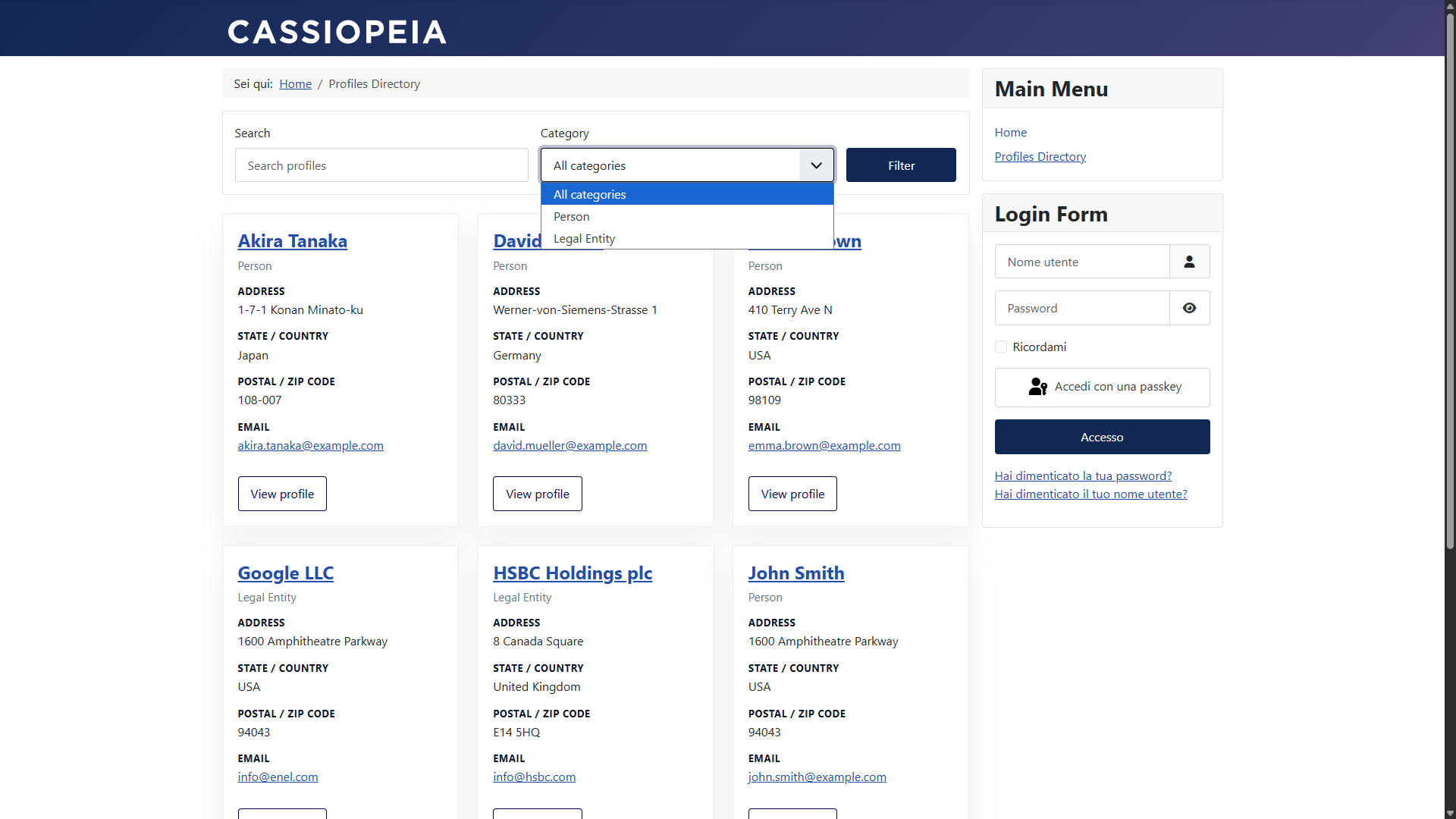
Directory view
A directory-style presentation is ideal when you need an overview of many profiles at once, while keeping the layout readable and easy to scan.
Administrator views
Profiles includes backend views that help you manage the extension content from the Joomla administrator area. The screenshots below show the administrator profile list and the single profile editing interface.
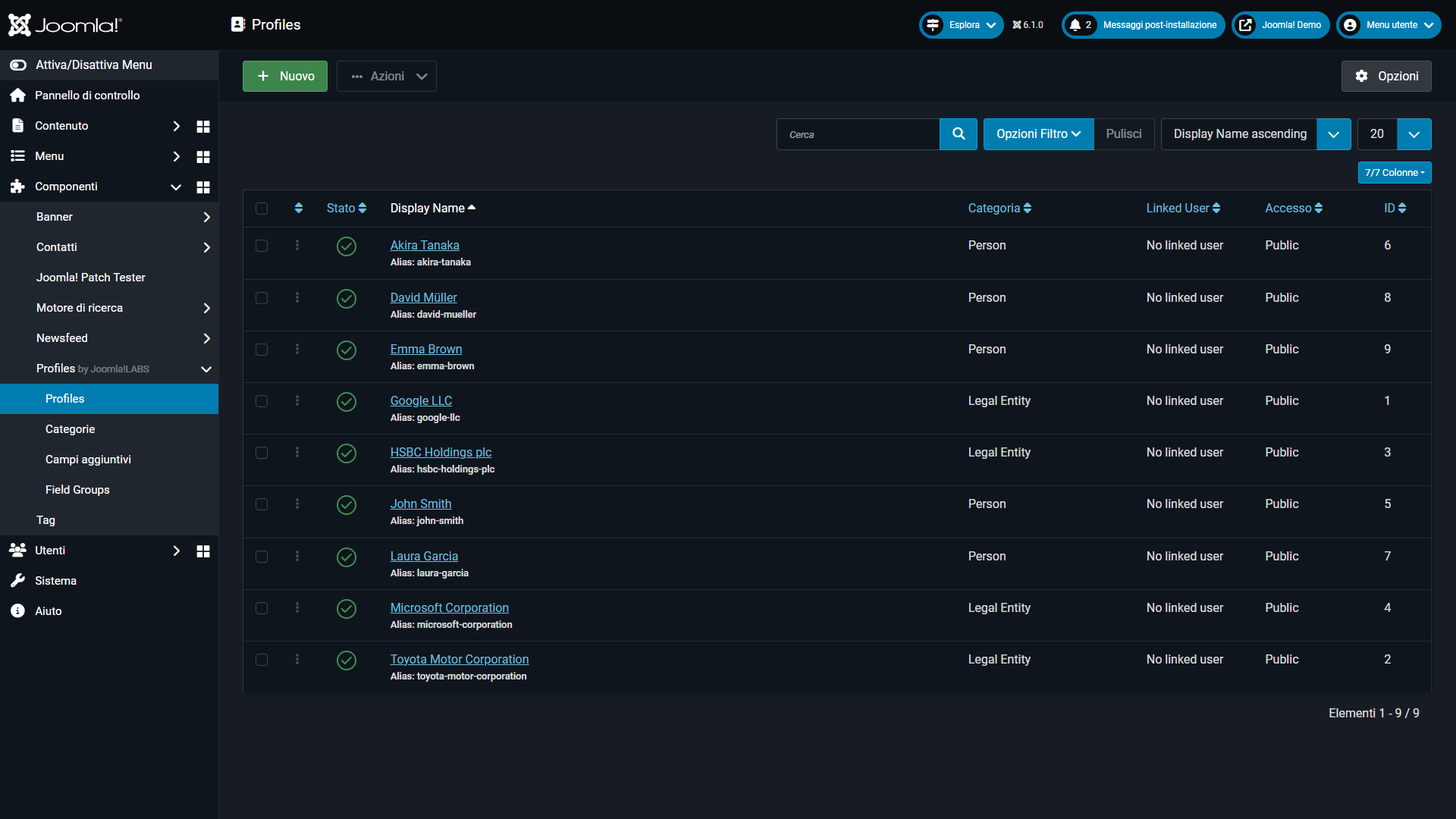
Profiles list
The administrator list gives you a central place to manage the available profile entries.
Display options
Profiles supports different front-end presentation styles so you can choose the format that best matches your content and the design of your site. The available layouts make the extension useful both for compact directories and for more detailed single-profile pages.
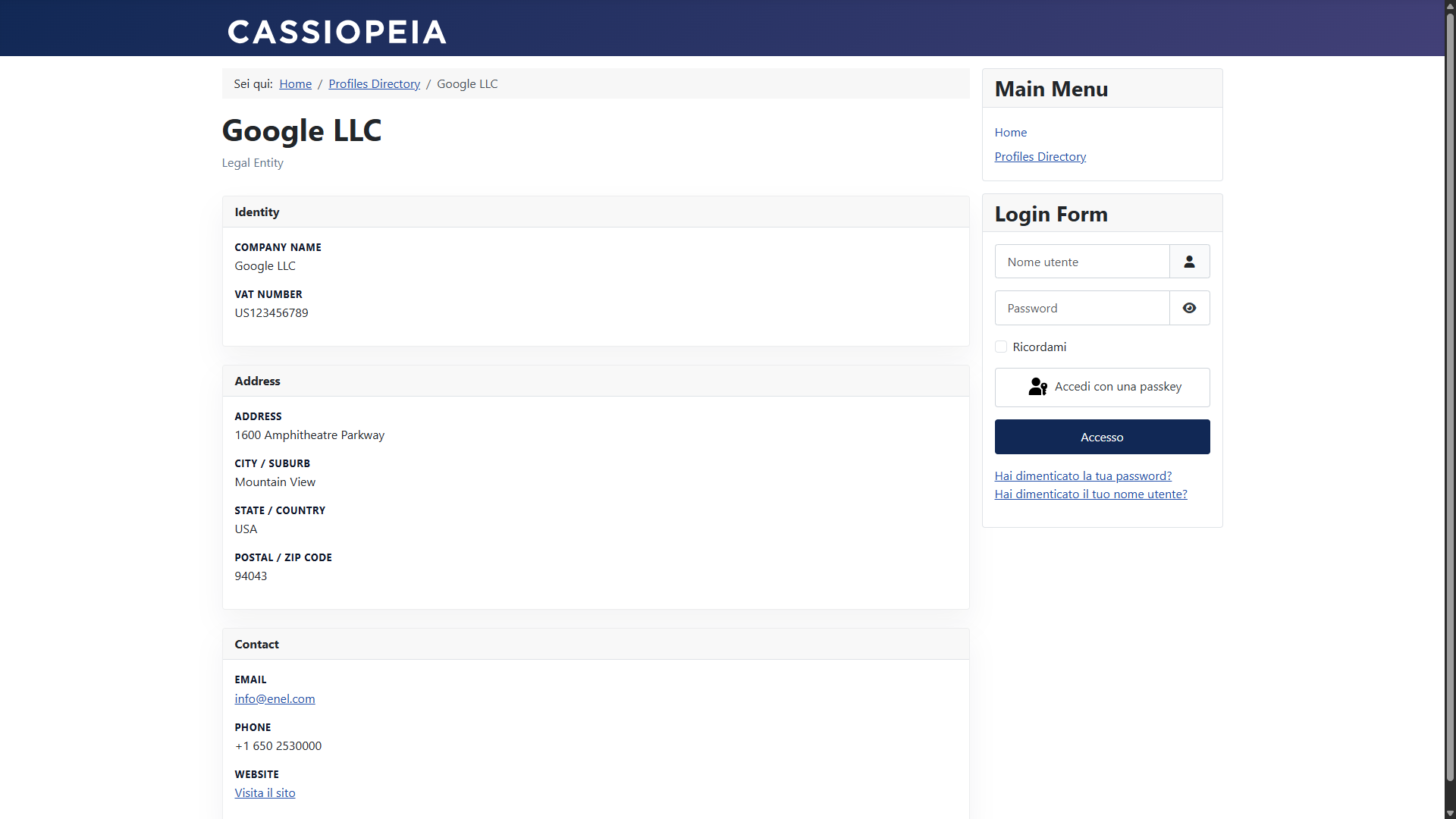
Card layout
A card-based presentation works well when you want a more visual, modular display of profile data.
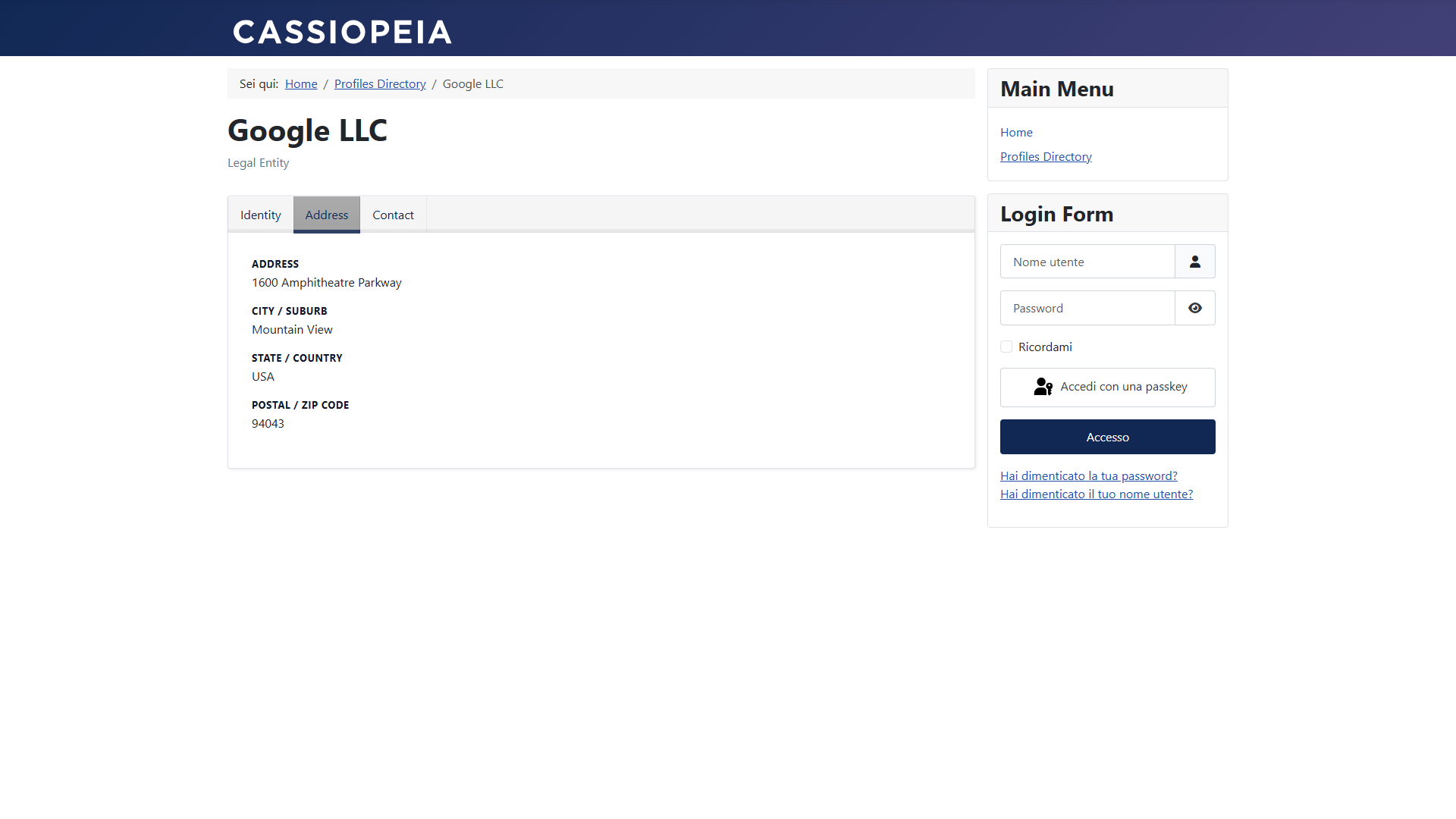
Tabbed layout
A tabbed presentation is useful when profile information is grouped into sections and you want to keep the page compact.
Features
The extension focuses on structured data, reusable layout logic, and presentation flexibility. It is especially useful when you need profile content to remain consistent while being shown in more than one format.
Structured profiles
Store profile information in a clear and repeatable format.
Multiple display modes
Use directory, card, or tab-based presentations depending on the page.
Reusable content
Reuse the same profile data across different views and sections.
Backend management
Manage your profile content from the Joomla administrator interface.
Use cases
- Company team pages.
- Contributor and author directories.
- Speaker profiles and event participant pages.
- Organization or association member listings.
- Structured catalog-style profile pages.
- Any Joomla section that benefits from repeated profile layouts.
Why use it
Profiles helps you avoid building one-off profile pages every time you need a person, a contributor, or a structured record. It keeps the content model cleaner and the presentation more consistent across the site.
Troubleshooting
Profiles are not appearing on the site
Check that the content is published and assigned to the correct view or layout.
The layout does not match the expected design
Make sure the correct profile presentation mode is selected for that page.
Administrator entries are hard to manage
Use the backend profiles list as the central place to review and maintain your entries.
The directory feels too dense
Try a different presentation style such as cards or a tabbed layout for improved readability.